 Home Services
AI agents (MCP)
Tokens, scopes, tools and example prompts for Claude Code and other agents.
Home Services includes an MCP server, so Claude Code, Claude Desktop or any MCP client can read your inventory and propose changes. It is built on the idea that an agent should be able to document your setup without being able to break it or read a secret.
Connect#
- Create a token (shown once — store it in your password manager):
bash
   ./bin/homeservices token create --name claude-code --scope propose
or use Settings → MCP & AI access in the UI. List and revoke tokens with token list / token revoke <name>.
- Register the server. For Claude Code:
bash
   claude mcp add --transport http homeservices http://localhost:8080/mcp \
     --header "Authorization: Bearer hs_…"
Any client that supports Streamable HTTP works: URL http://<host>:8080/mcp, header
Authorization: Bearer <token>.
Scopes#
| Scope | Can |
|---|---|
read |
search and read everything, run checks and probes, list changesets |
propose |
everything in read, plus queue changesets (propose_changes, request_connection) |
write |
everything above, plus create, update and delete directly |
Give an agent the smallest scope that does its job. propose is the sweet spot: the agent does the legwork,
you press Apply.
What agents never get#
- Passwords, tokens and keys. Access entries hold a method, an account and a link to your password manager.
- Integration secrets. They live encrypted outside the database and are not exposed over MCP or the API.
- Hard deletes. Everything an agent deletes is a soft delete you can restore.
Tools#
42 tools with a write token (fewer for read / propose). Highlights:
| Area | Tools |
|---|---|
| Look things up | search, list_hosts, get_host, list_services, list_projects, get_project, list_locations, list_tags |
| Understand impact | used_by ("what breaks if this is down?"), list_problems, list_checks |
| Probe | detect (fingerprint an address or URL), check_service, check_ssh, run_check |
| Plan | suggest_free_port, suggest_plugins |
| Propose | propose_changes, request_connection, list_changesets, get_changeset |
Edit (write) |
create_host, update_host, add_service, update_service, add_ssh_access, add_access, create_project, add_project_env, add_app_link, link_project, connect_service, delete_*, restore |
Read-only resources are also available: hosts and projects as Markdown, and /inventory.md — one plain-text
document with the whole inventory, which works with any agent that can fetch a URL with the token.
Example prompts#
- "Inventory my network: scan, then propose the hosts and services that are missing."
- "Read this repo's
docker-compose.ymlandCaddyfileand propose a project with its services and app links." - "What breaks if
nasgoes down?" - "Which services have no health check, and which domains expire in the next 60 days?"
- "Find a free port on
app-1for a new service and propose it."
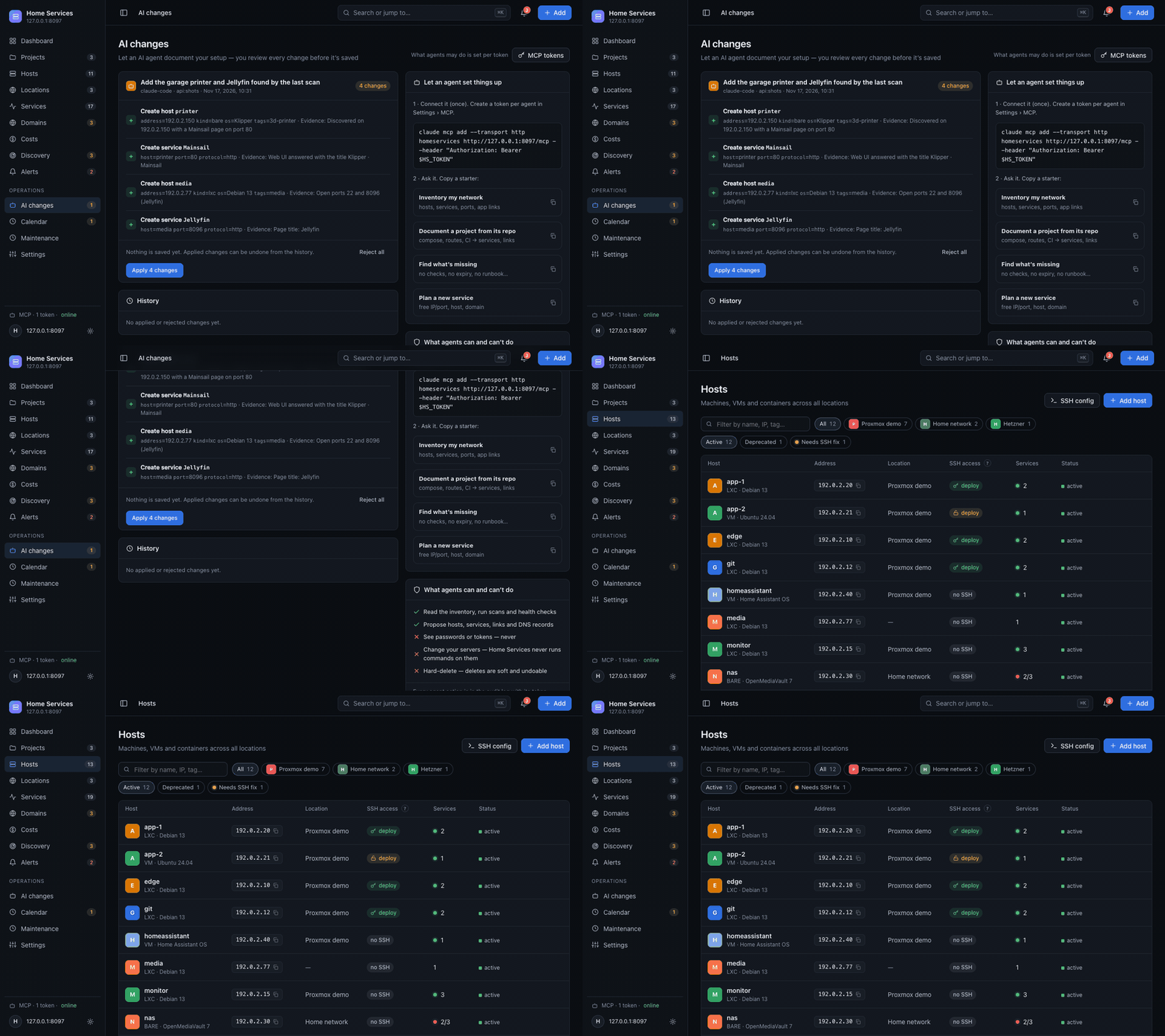
The AI changes page also has copy-ready starters for these.
How a proposal looks#
{
  "title": "Add the garage printer found by the last scan",
  "source": "claude-code",
  "ops": [
    { "action": "create", "entity": "host",    "ref": "printer",
      "data": { "kind": "bare", "address": "192.168.1.50", "os": "Klipper" },
      "note": "Mainsail page on port 80" },
    { "action": "create", "entity": "service", "ref": "Mainsail",
      "data": { "host": "printer", "port": "80", "protocol": "http" } }
  ]
}
A human sees each op with its note as evidence, applies the set (or rejects it), and can undo it afterwards.
The same call is available over REST: POST /api/v1/changesets (API).